Jim Rossman: How to print a difficult document
Published in Science & Technology News
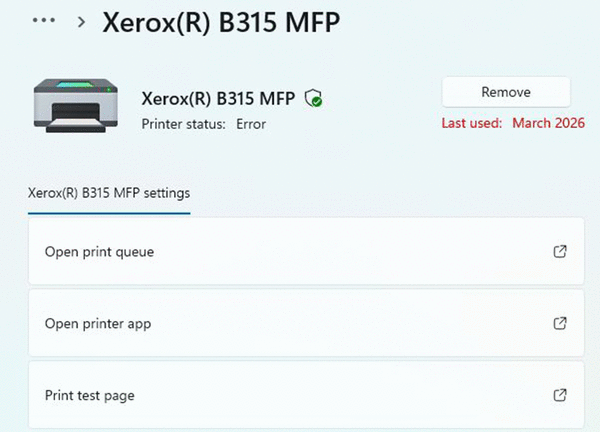
This week’s reader email, “I hope you can help me. I tried to print a receipt from an email, but it just hung up the printer. It would not print even though it showed it was in cue. The printer says it is offline. I have deleted the request to print that document, shut off the printer, unplugged the printer, but nothing works. When I try to print something else, it says the printer is offline. I don’t know how to get it back online. The printer is a Canon TR7500. To make matters worse, I tried to print that receipt on one of my husband’s printers and I think it locked it up too because it never printed it out either.”
Sometimes, the document we are trying to print can be the cause of the problem.
Documents can have a bad font or a bad graphic that can cause a printer to lose its mind.
The reason I would look at the document first is because the reader mentioned trying unsuccessfully to print it to a second printer.
I like to say, “Sometimes the document is just evil.”
What can you do? Try to open the document and save it with a different name. If it’s a PDF, use whatever program your computer uses to open PDFs and see if you can save it.
The same applies if the document is a JPG. Open the document and save it out to your computer. This will often fix the issue.
You can also open the document and take a screenshot of it and print out the screenshot.
If you can’t open the document, try downloading a fresh copy.
As for getting the printer back online, the reader shared with me she prints wirelessly.
Since she’s already rebooted the printer, I would next reboot the Wi-Fi router and see if the printer reconnects.
If the printer is still offline, your best bet is to uninstall the printer from your computer, reboot everything one more time and then add the printer back. Your computer should still have the driver, so deleting/re-adding the printer only takes a minute.
©2026 Tribune Content Agency, LLC.





Comments